About Me
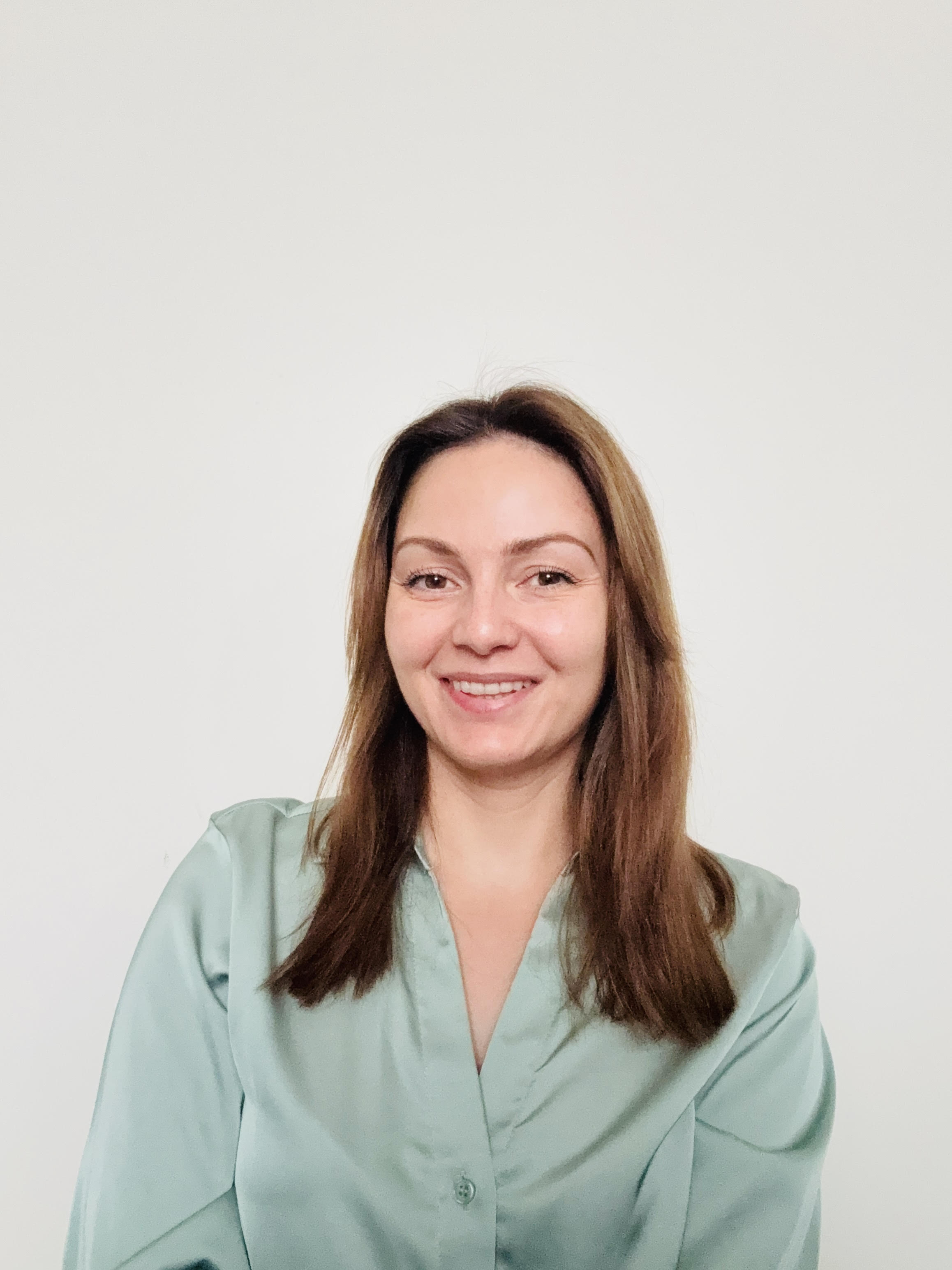
Real Operational Experience
I've spent over a decade working with operational systems across the public and private sectors, including seven years within the largest university in Ireland, working across multiple units and teams of different sizes. I currently work within one of the largest global software development companies, which means my understanding of what good operational infrastructure looks like is continuously shaped by working at the highest level.
Alongside this, I completed an MSc in Project Management. That experience was pivotal. It helped me step back from day-to-day delivery and really understand how structure, ownership, and governance shape how organisations function. It also clarified what I wanted to do next: use that experience to help other organisations work better.
I founded Drivevana Consultancy because I care about how work actually happens. Too often, teams are expected to succeed with systems that aren't clear, processes that aren't documented, or tools that aren't governed. I wanted to focus on fixing those foundations — not by adding complexity, but by creating clarity.
My work is hands-on and practical. When you work with me, you have my full attention — I take on one client at a time, so your project is never competing with someone else's. I focus on improving efficiency, reducing friction, and building procedures that people can actually follow and maintain. The goal is always the same: leave your team with systems they understand, own, and can run confidently without external support.
- →10+ years working with operational systems across public and private sectors
- →Seven years' experience across multiple units within the largest university in Ireland
- →MSc in Project Management
- →Experience working with both large and small teams
- →Strong understanding of administrative and governance challenges
- →Specialist in Google Workspace governance